Azerbaijan
 Russian
 Turkish
1 min read
How to buy PUBG Mobile UC: a step-by-step guide on GNET

UC (Unknown Cash) is the in-game currency of PUBG Mobile. It buys the Royale Pass, skins, weapon finishes and crates. On GNET, UC is loaded straight to your account by your player ID, and you never have to share your password.
1. Create an account or log in. Signing up with email or Google takes a minute.
2. Top up your balance. Bank transfer or a payment terminal is free of commission from 10:00 to 01:00, and a bank card works online 24/7. A GNET gift card can be added to the balance too.
3. Open PUBG Mobile UC and pick a package. Everything from small packs to the large ones you need for the Royale Pass is on one page, priced in AZN.
4. Enter your player ID. You will find it under your name when you tap your profile picture in the game. Check it once more before ordering: the UC goes to the ID you type.
5. Confirm the order. Most packages are delivered automatically, and you can follow the status under "My Orders".
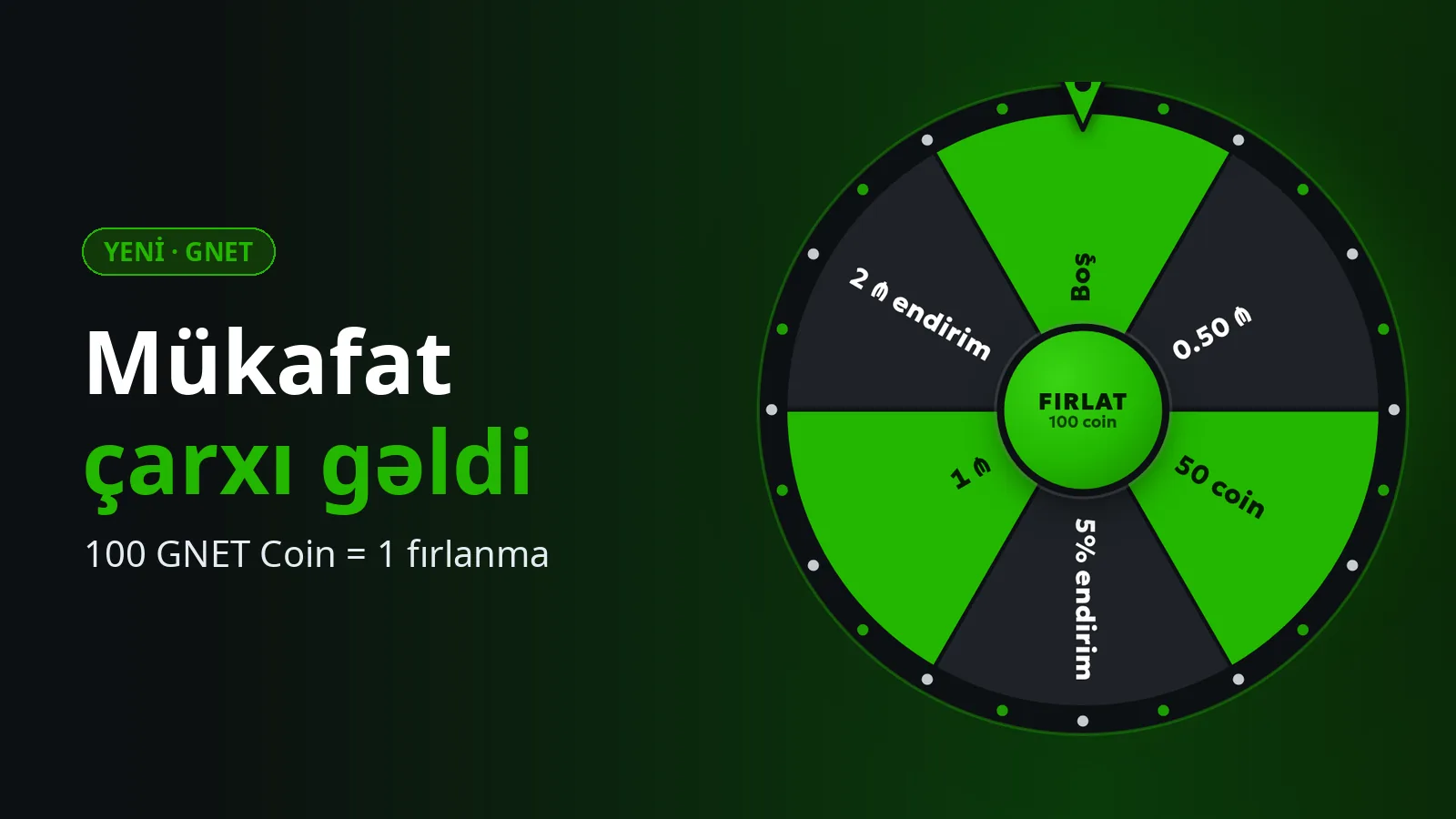
Every purchase also adds GNET Coin to your account: 100 coins are 1 AZN of balance, and you can use them to spin the Prize wheel.
A safety reminder: loading UC never needs your game password. If someone asks you for a password or a confirmation code, it is not GNET. If you have a question, write to the Support Desk or on WhatsApp.
1. Create an account or log in. Signing up with email or Google takes a minute.
2. Top up your balance. Bank transfer or a payment terminal is free of commission from 10:00 to 01:00, and a bank card works online 24/7. A GNET gift card can be added to the balance too.
3. Open PUBG Mobile UC and pick a package. Everything from small packs to the large ones you need for the Royale Pass is on one page, priced in AZN.
4. Enter your player ID. You will find it under your name when you tap your profile picture in the game. Check it once more before ordering: the UC goes to the ID you type.
5. Confirm the order. Most packages are delivered automatically, and you can follow the status under "My Orders".
Every purchase also adds GNET Coin to your account: 100 coins are 1 AZN of balance, and you can use them to spin the Prize wheel.
A safety reminder: loading UC never needs your game password. If someone asks you for a password or a confirmation code, it is not GNET. If you have a question, write to the Support Desk or on WhatsApp.